
DocsActivating Pro License
Activating Pro License
Use the license (license key) from your email to activate Vidpai Pro.
After purchase, you receive a license (also called a license key) by email. Use it in the app to activate Pro.
Steps
Open Vidpai — Launch the desktop app.
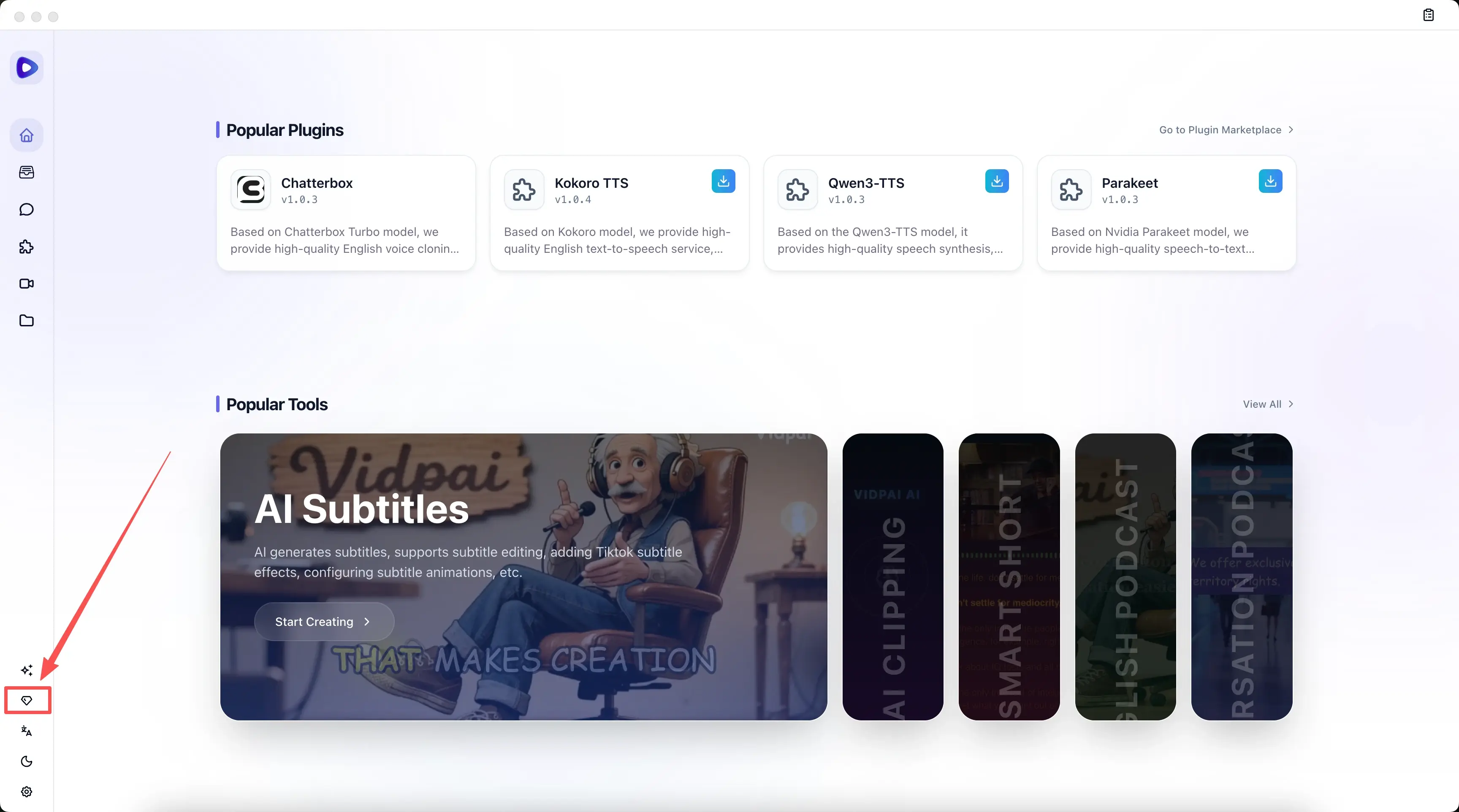
Open License Management — In the left sidebar, click License Management.
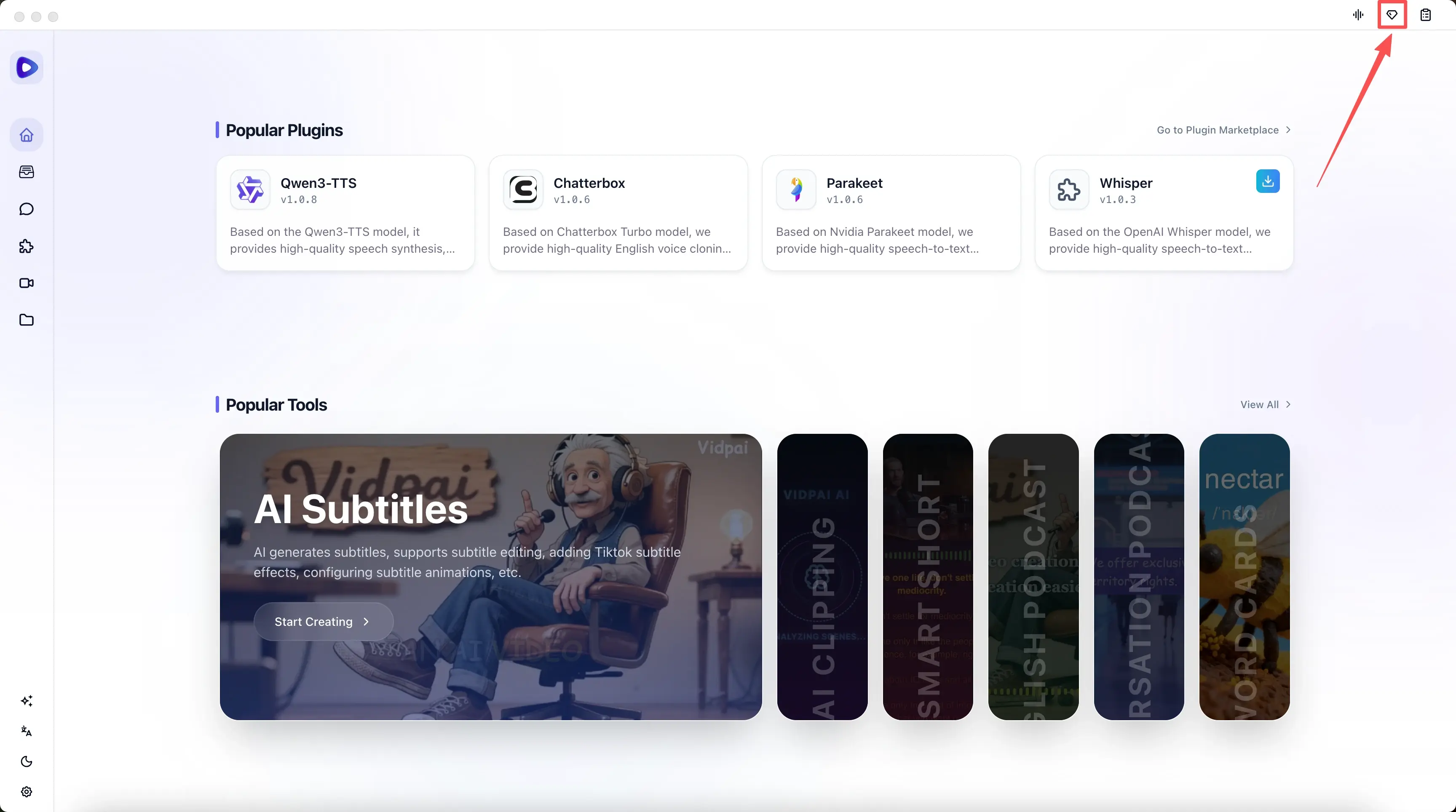
Enter your license — In the dialog, paste or type the license from your email into the field.
Activate — Click Activate Now. Your Pro license is applied.
Tips
Keep the license email for your records. You may need it if you reinstall or move to another device (within your plan’s device limit).
If activation fails, check that the license was copied fully with no extra spaces. For other issues, contact hello@vidpai.com.